

Inbox
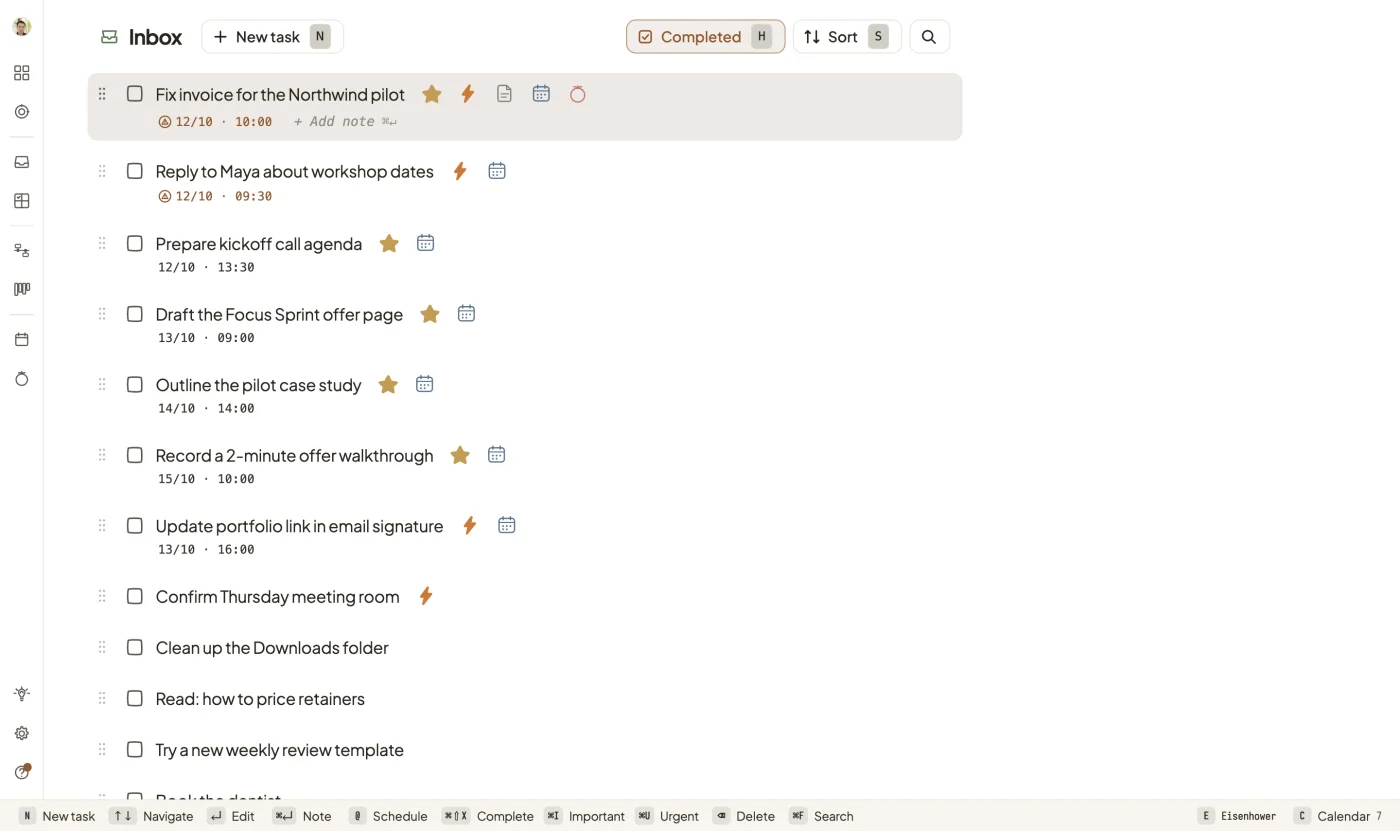
Capture first. Sort later.
Jot down any task in a second.
From a quick note to a finished task: capture it, plan it, schedule it and focus on it, all in one workspace.
30 days of Pro free · No credit card · Works in your browser

Features
Inbox
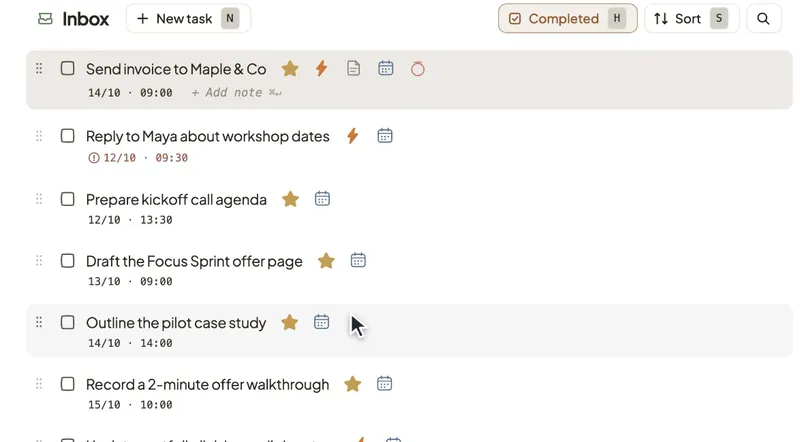
Jot down any task in a second.
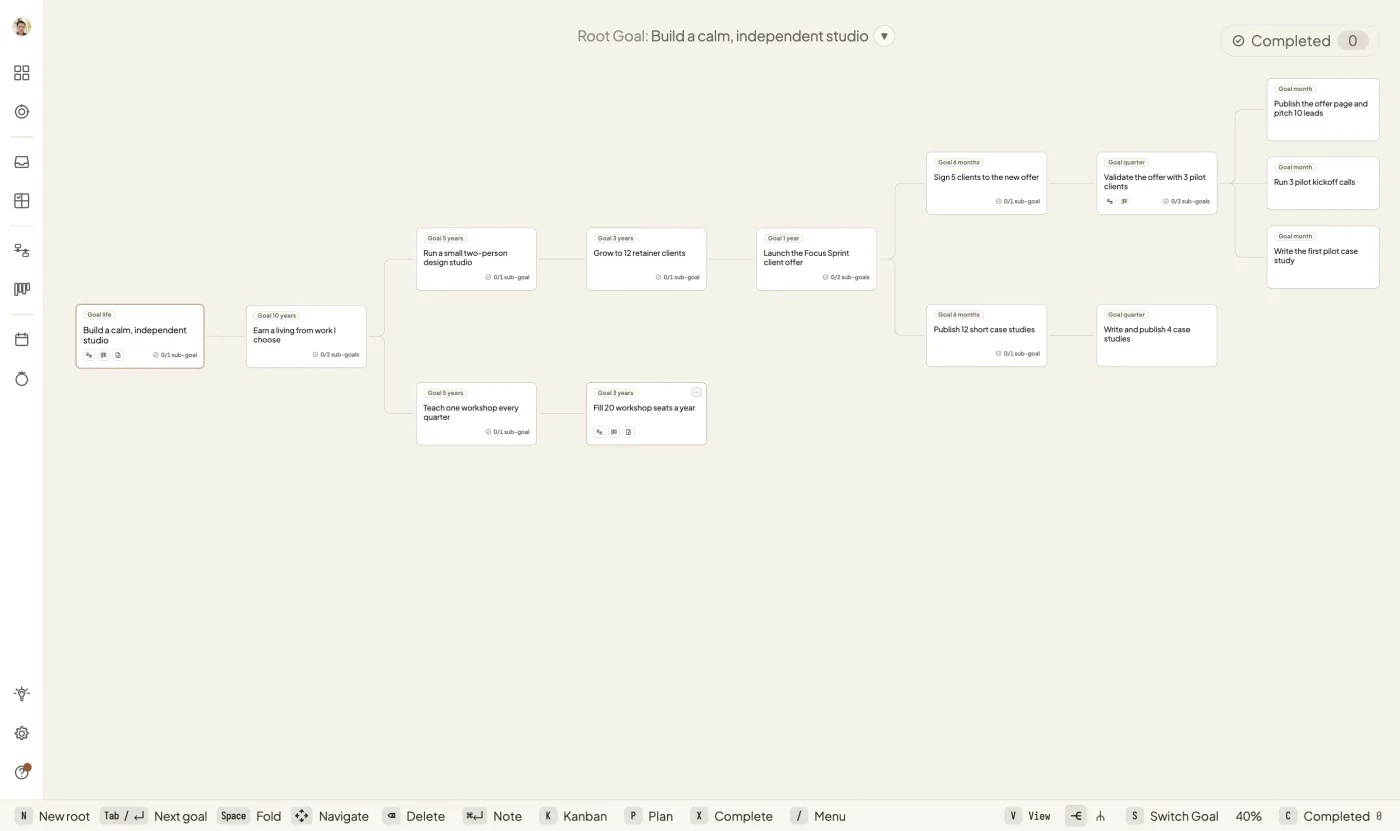
Goals
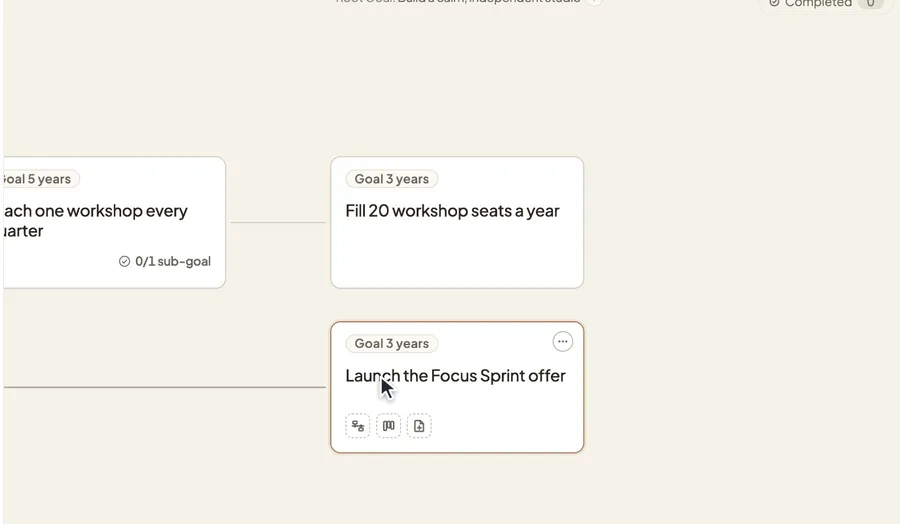
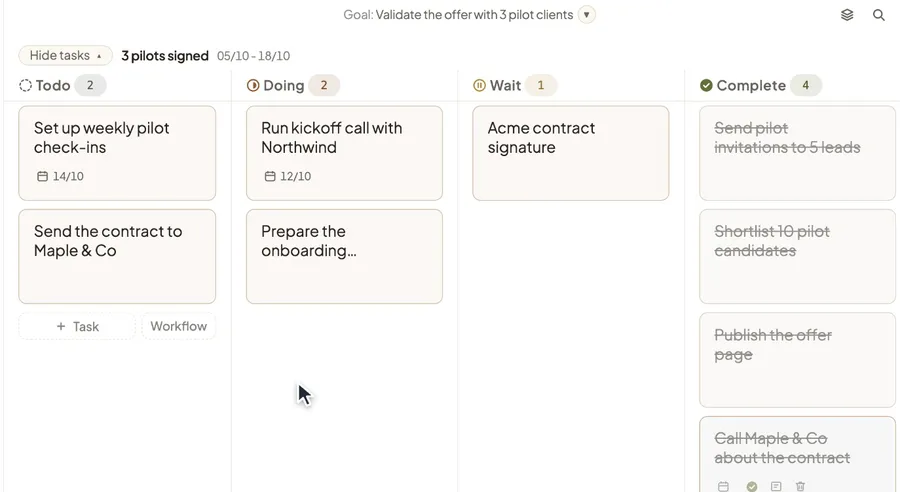
Go from a life goal to this month's focus.
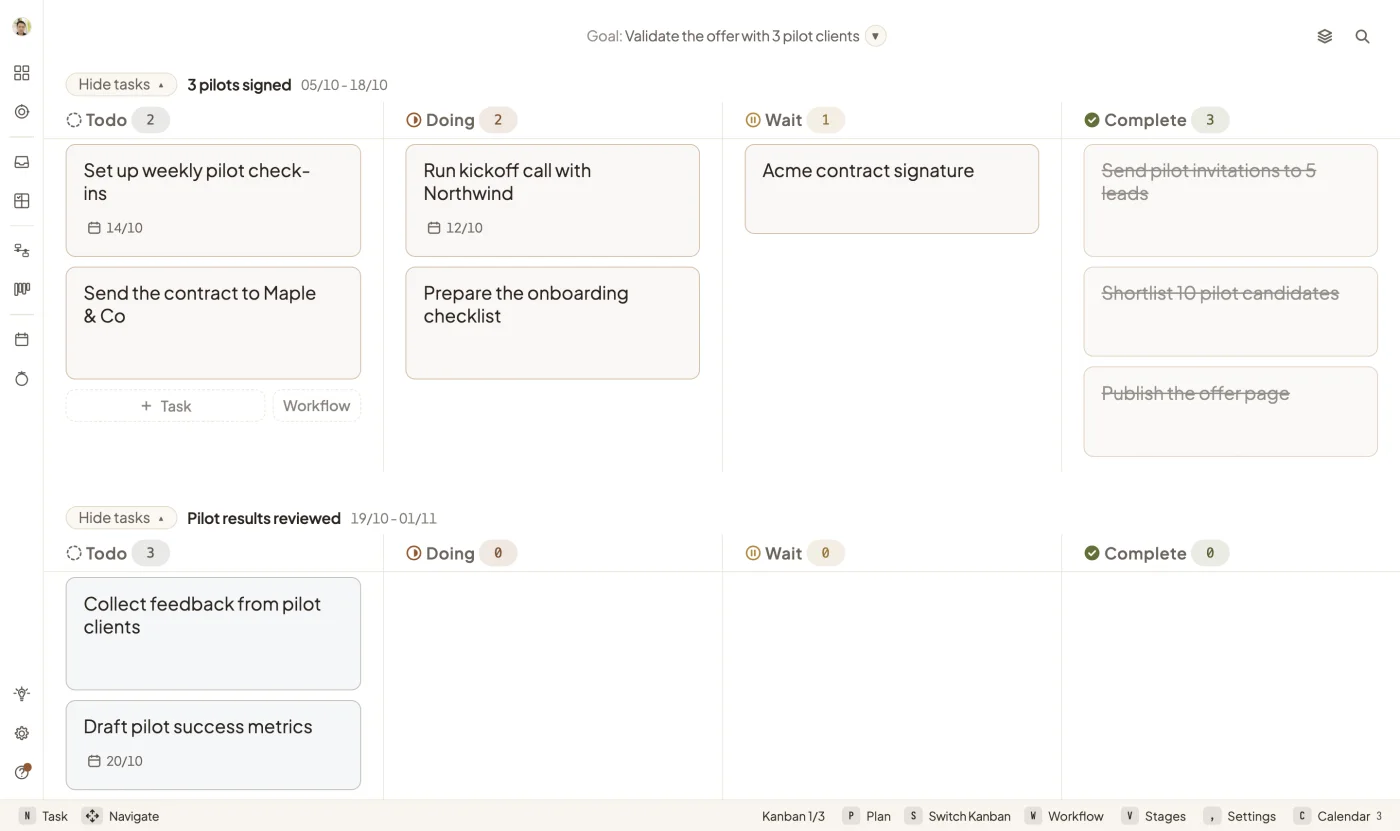
Kanban
Drag cards across the board until they're complete.
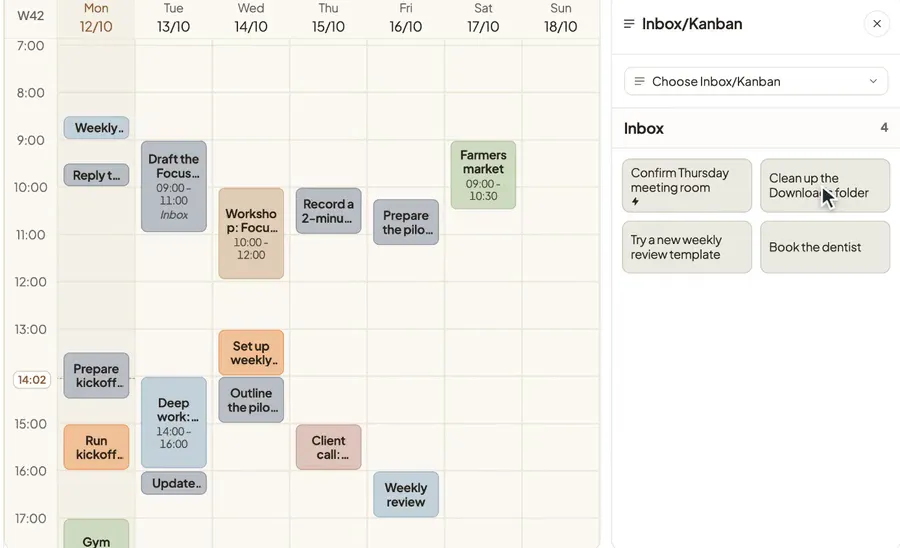
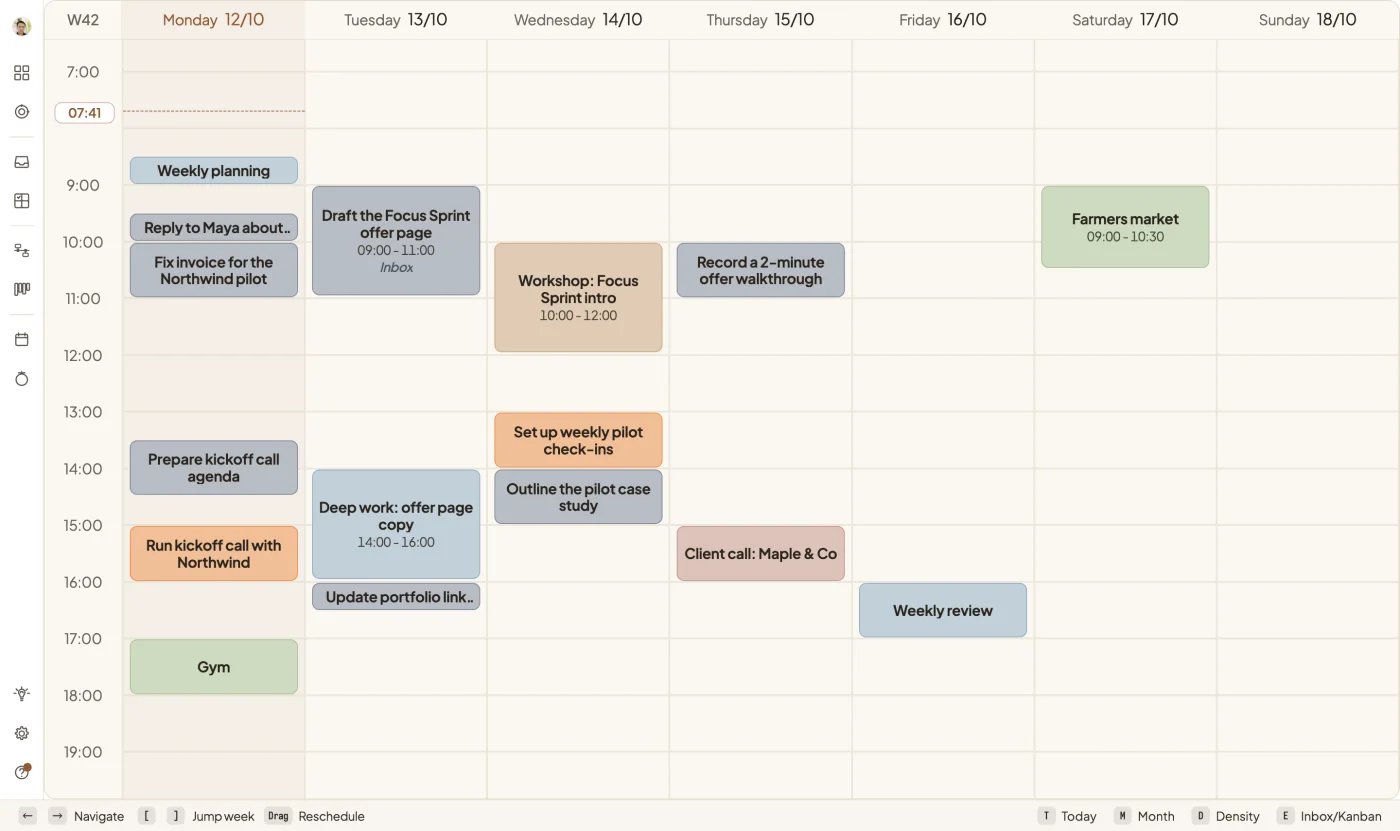
Calendar
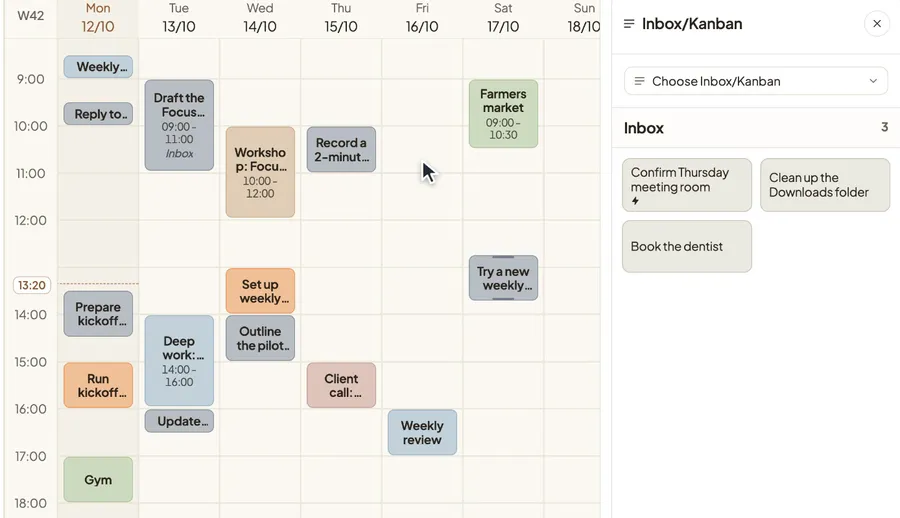
Drop a task on your week. Now it happens at 10:00.
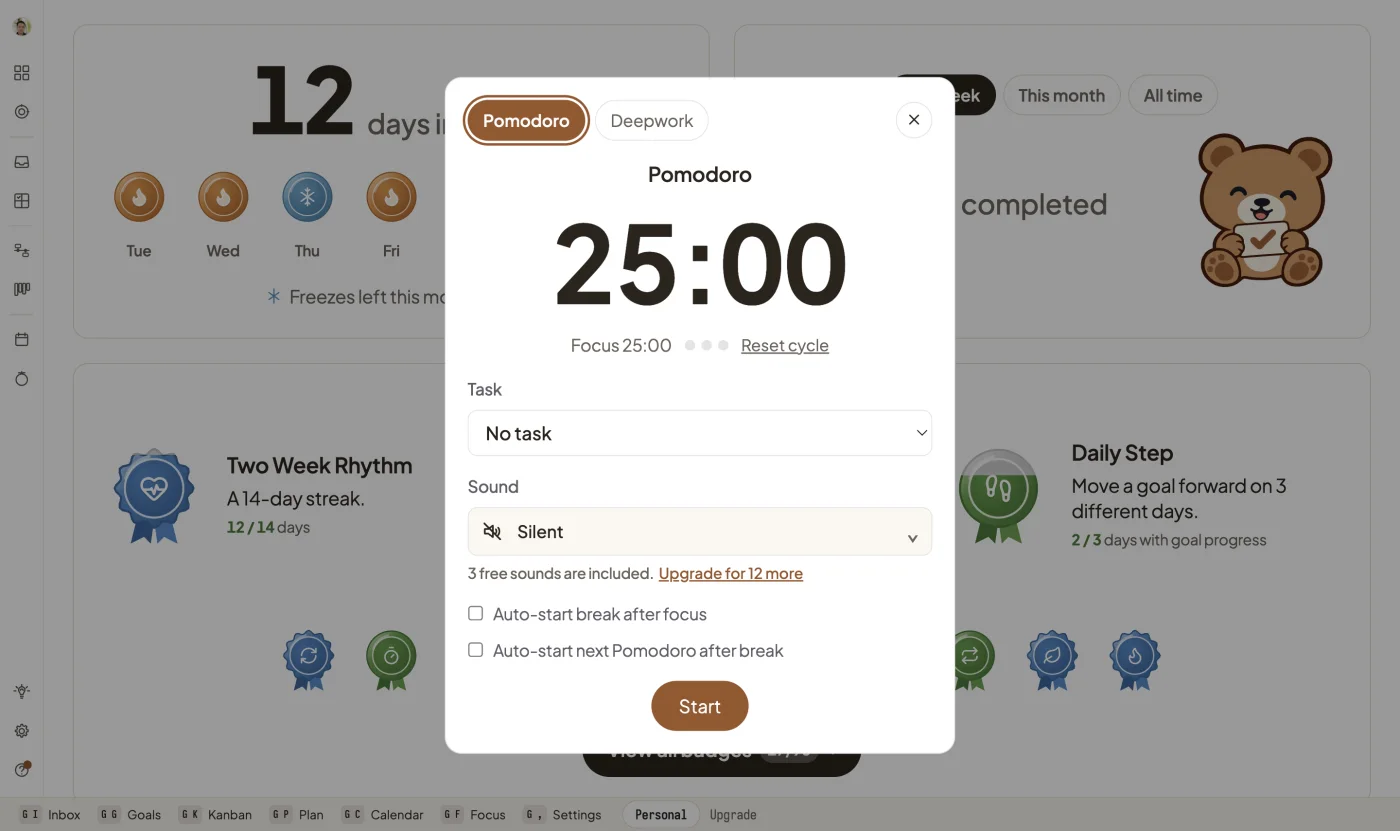
Focus
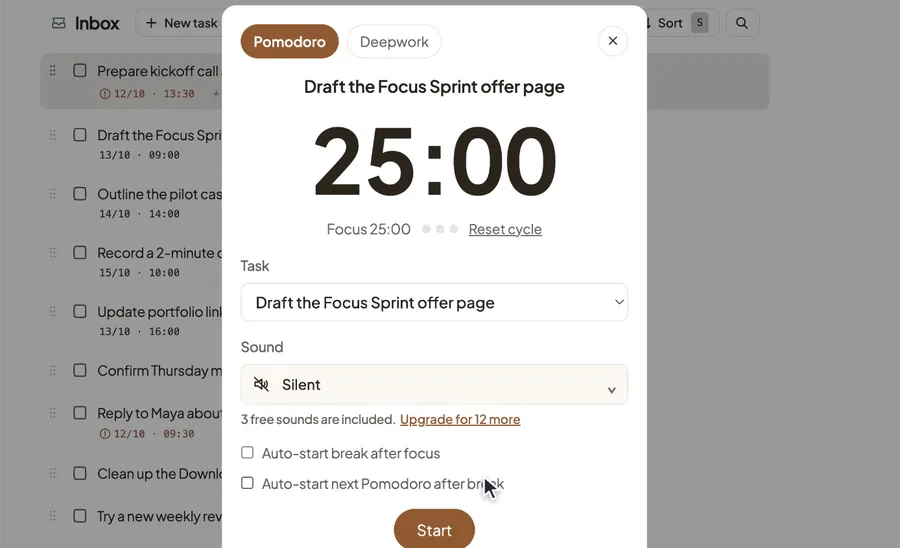
Start a Pomodoro on any task.
Dashboard
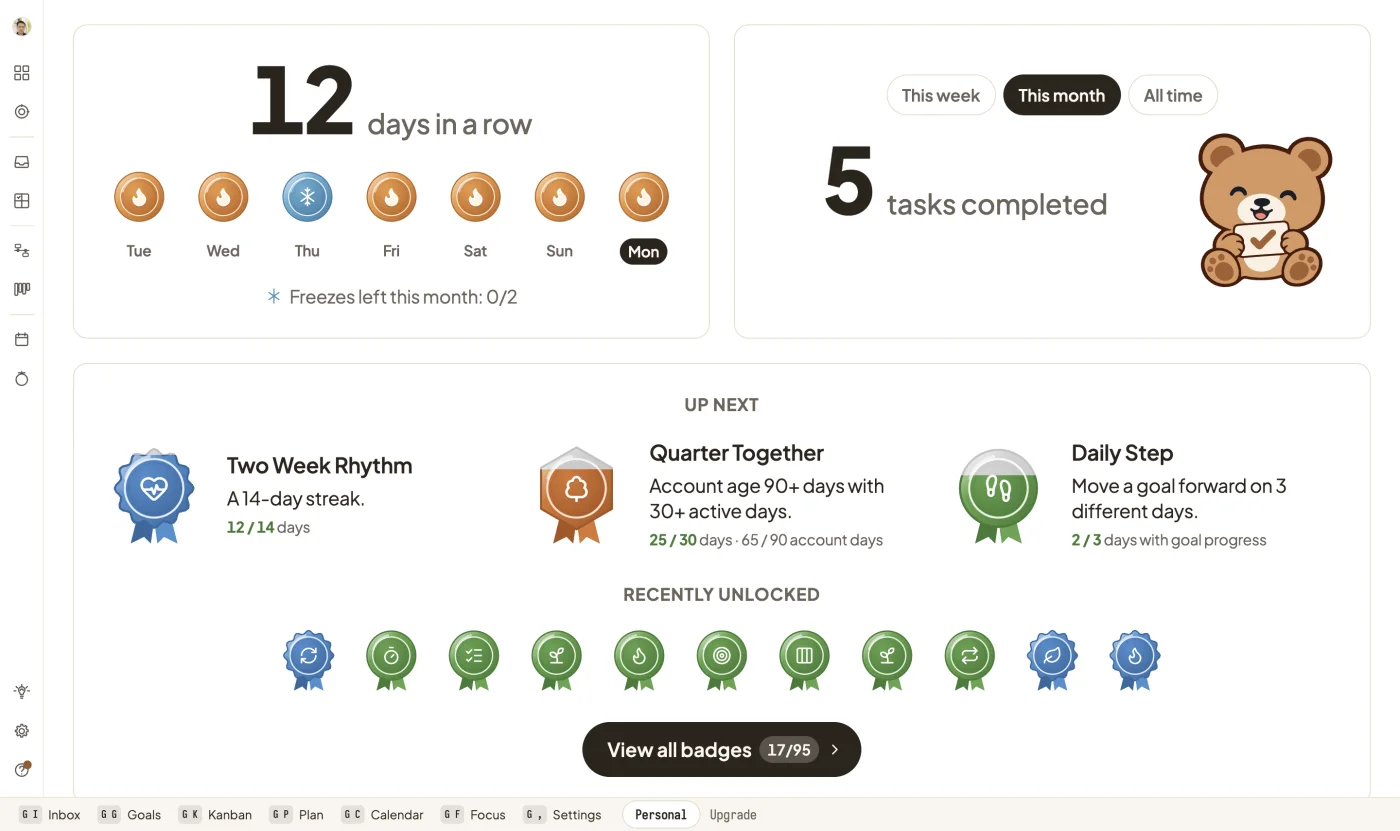
Earn badges as you finish work. 100 to collect.
How it works
Inbox
Press N and type. Every task lands in your Inbox in a second.
Eisenhower
Mark what is important and urgent, and see what to do first.
Goals · Plan · Kanban
Break a big goal into stages, then move cards across a board you can read at a glance.
Calendar
Drag a task onto your week. Now it happens at 10:00.
Focus
Start a Pomodoro or Deepwork session and get it done.
Every feature is free for 30 days. Then Pro keeps your notebook going. See plans and pricing →

You can try every Pro feature free for 30 days, with no card. After that, PlanCub Pro is $60 a year. Without Pro, your notebook becomes read-only, and its data is deleted about 90 days after sign-up. We email you before each step. See plans and pricing →
No. PlanCub runs in your browser. Sign in with Google and start planning.
Yes. Connect your calendar from the Dashboard.
Yes. Press N to capture a task, or G then C to open your calendar.
Only you. No one at PlanCub, including admins and support, can view your goals, tasks or notes.
PlanCub helps you pick the next step and make time for it.
Start planning →